Sign in with your email
Enter the 6-digit code we email you — there are no passwords. Name the phone, and do the same on your other phones.
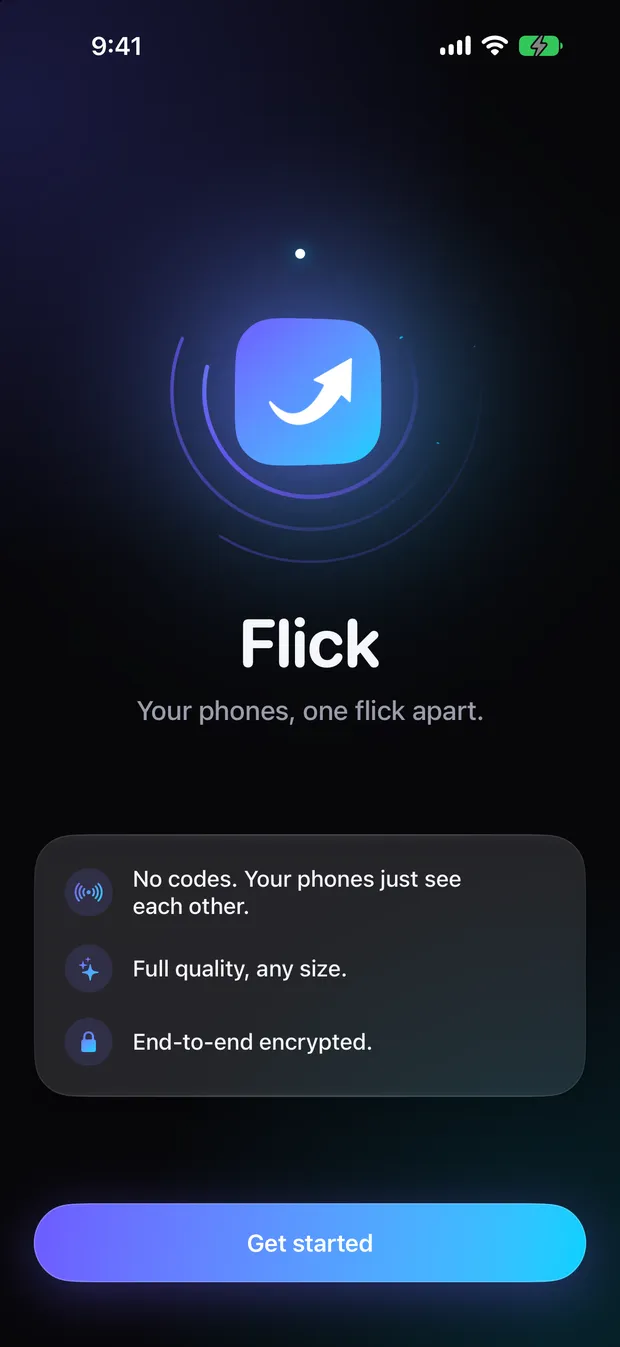

Coming soon to iPhone and Android
Send photos, videos, files, text and links between your own phones — iPhone and Android — with no codes, no ads and no size limits. Sign in with the same email on each phone and they find each other.
How it works
No pairing codes, no accept prompts, no confirm step. Picking something sends it right away, and the other phone receives on its own.
Enter the 6-digit code we email you — there are no passwords. Name the phone, and do the same on your other phones.
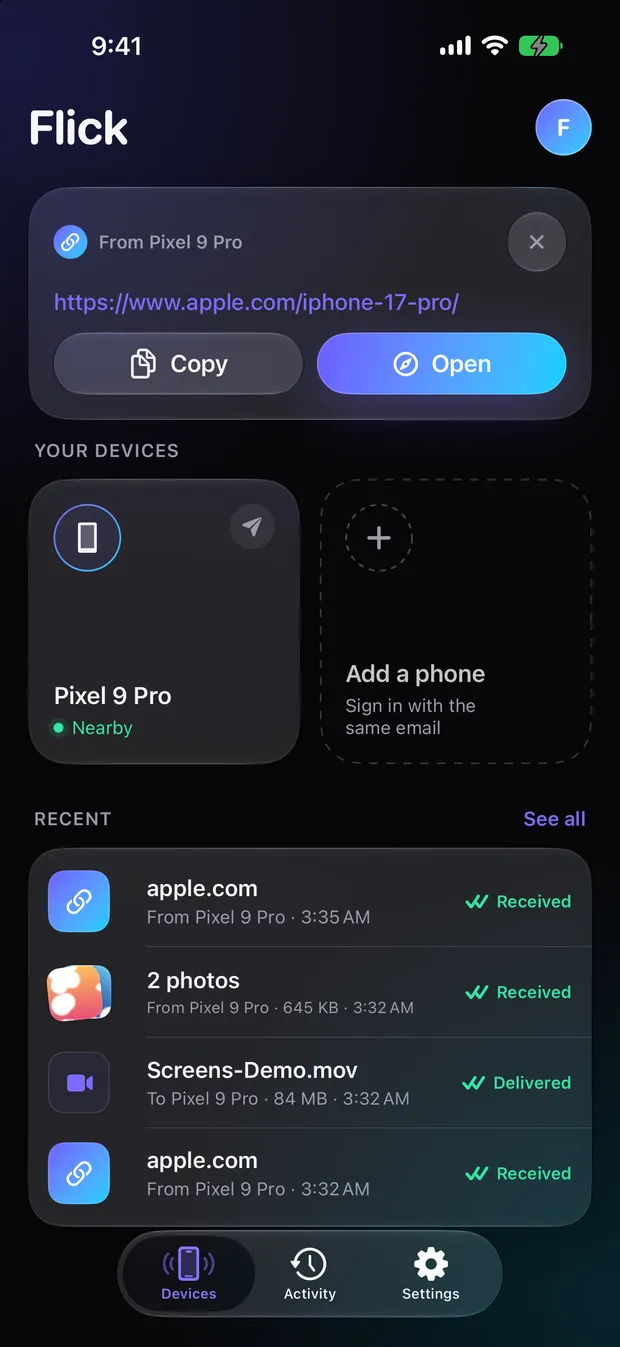
Every phone on your email appears as a tile, with a live status: Nearby, Ready, Online, or Gets a notification.
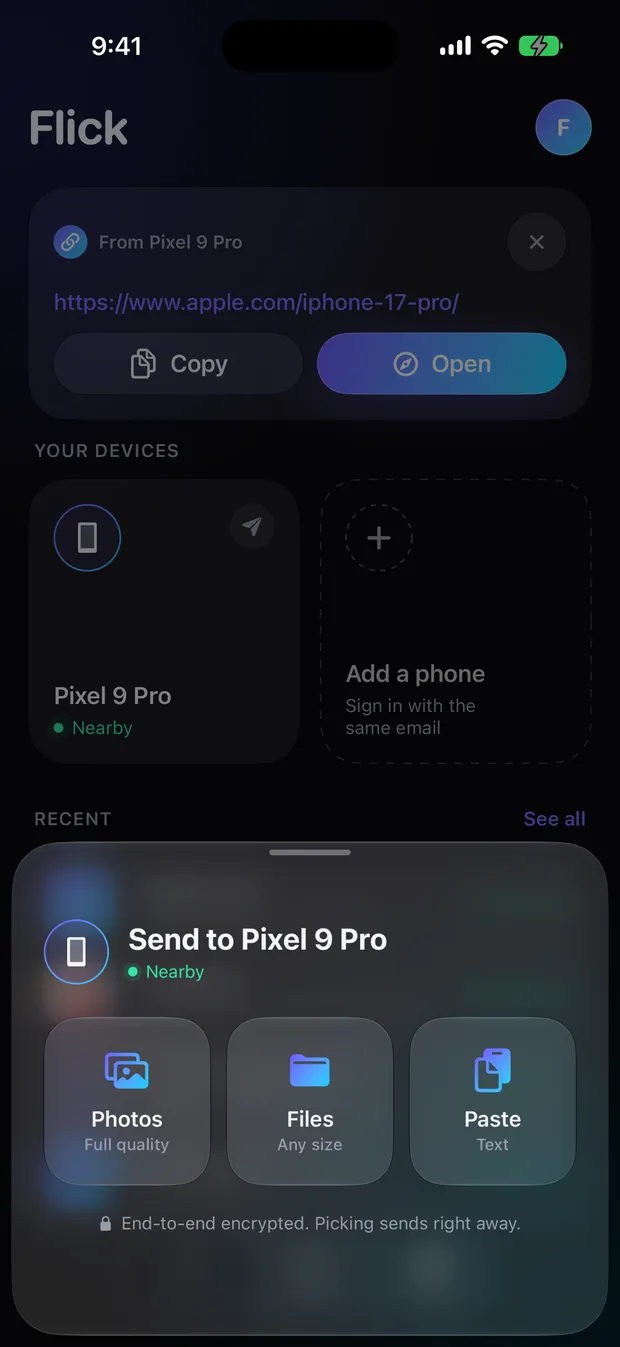
Tap a tile and choose Photos, Files or Paste. It sends immediately, and lands on the other phone automatically.
Two routes, picked for you
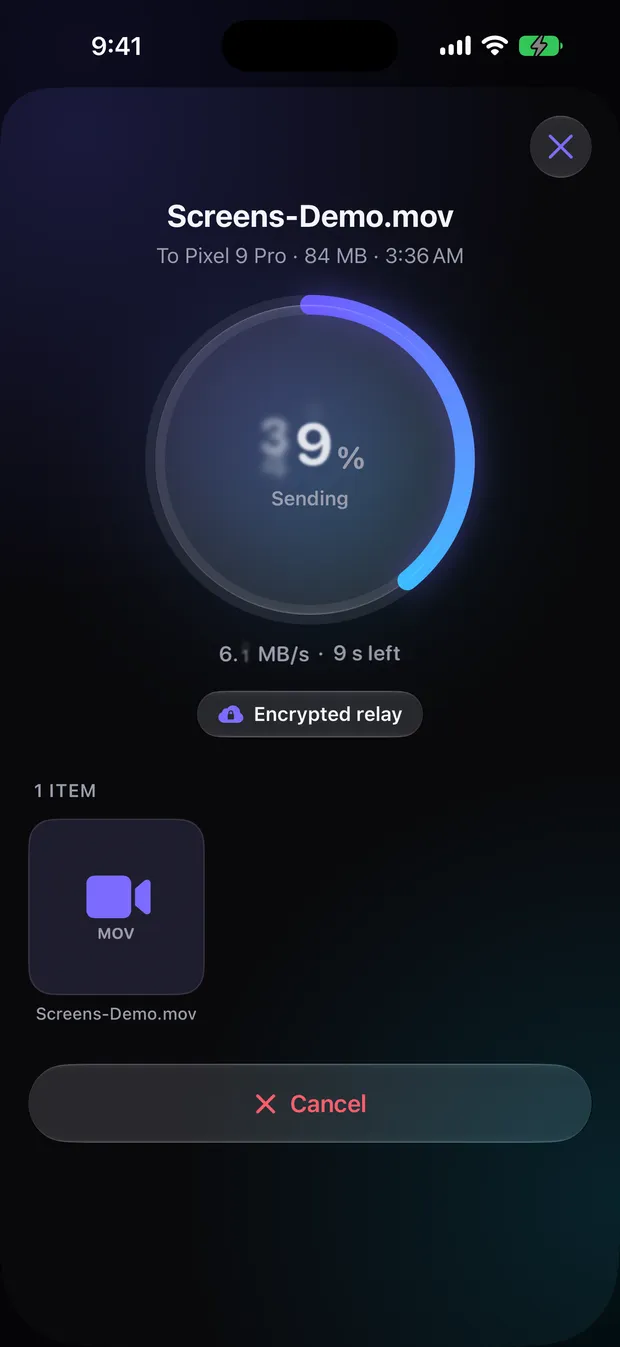
Flick picks the route on its own, and the transfer screen tells you which one it used.
When both phones are on the same network, files go straight across, still encrypted. The cloud upload is held back while the direct path is working.
Files are encrypted on your phone before they leave it, then relayed to your other phones. If the Wi-Fi path fails, Flick falls back to the relay automatically.
Features
No compression and no size limit. Received photos and videos save automatically — to Photos on iPhone, to Pictures/Flick and Movies/Flick on Android.
Paste sends what's on your clipboard. Links arrive with Open
, text with Copy
— on iPhone, tapping the notification copies it.
Files of any size and type, kept under Files › On My iPhone › Flick, or Download/Flick on Android.
Percentage, MB/s and time left, with the route shown. Stop a send any time. Transfers resume after the app is closed.
Pick several phones, or tap Send to all — one transfer, end-to-end encrypted for each.
Send with Flick
on iPhone. On Android, each of your phones appears right in the share sheet's top row with Direct Share.
No accept prompt. iPhone gets a notification; Android keeps a quiet connection open so it's always ready to receive.
Everything sent and received, filtered by All, Received or Sent, searchable by file name. Send it again, or on to another phone.
A glassy, dark-first design with System, Dark and Light appearance. Rename or remove phones any time.
Inside Flick
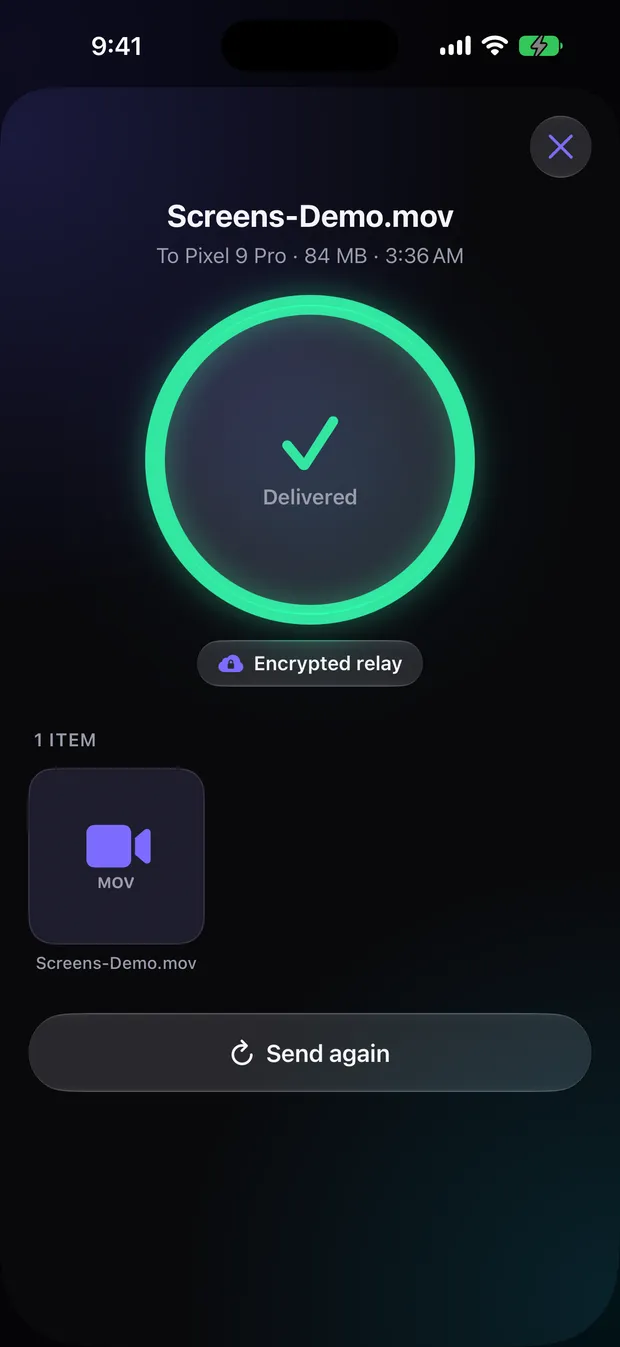
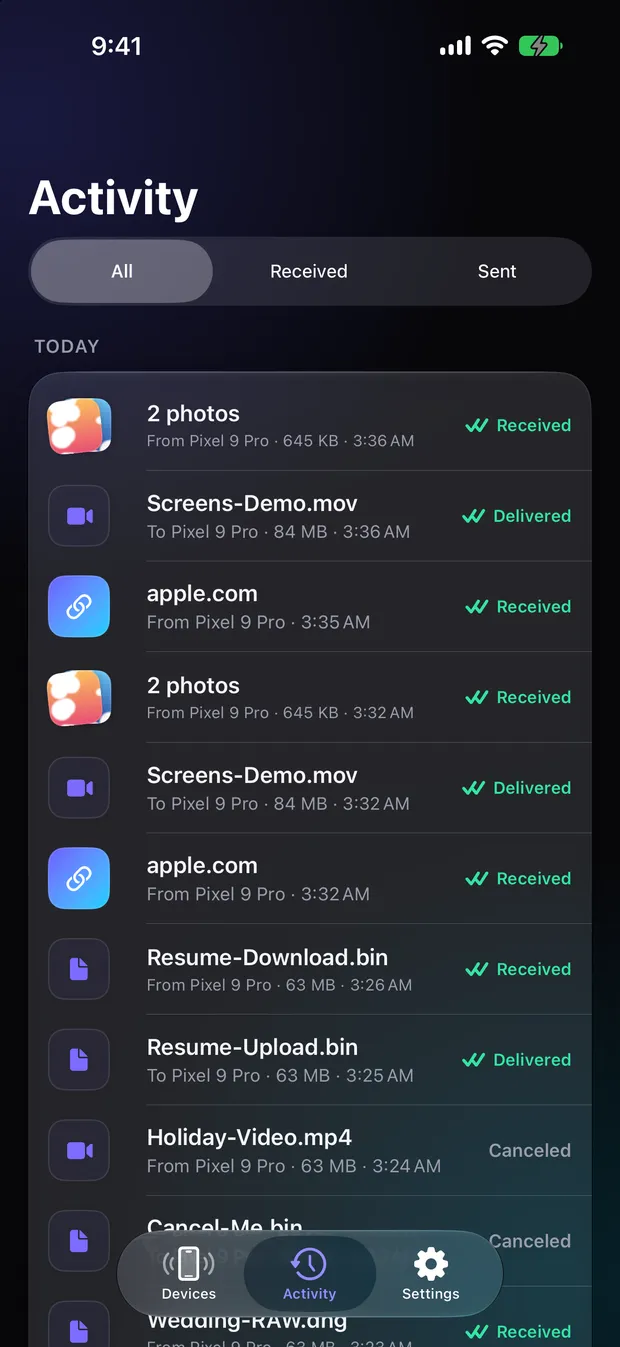
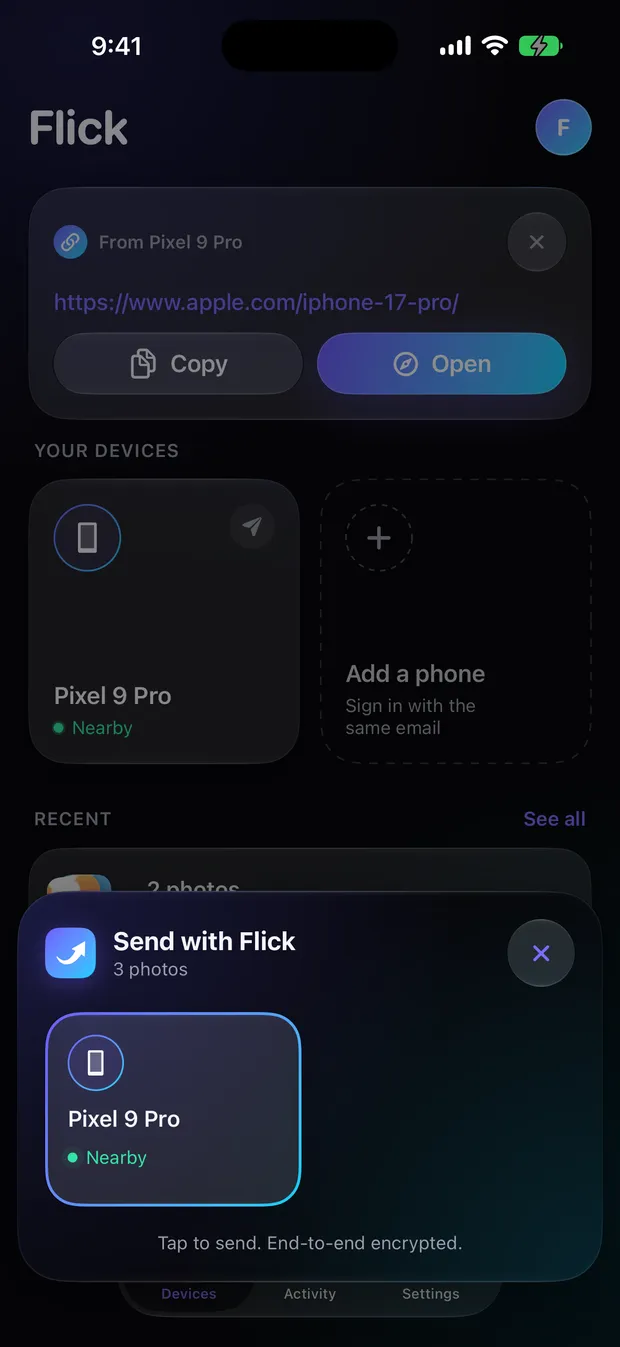
Screenshots from Flick on iPhone. Device names and files shown are test data.
Security
The server never sees file contents, names or text — only sealed data it can't open. Your history lives on your phones.
Flick is coming soon to iPhone and Android. Want to hear when it's ready?